This NordPass review examines the password manager’s documented security model, passkey support, browser extensions, plans, and day-to-day fit. NordPass is a strong shortlist option for people who want a straightforward vault across common devices, but its best plan depends on how many people and advanced security tools you need.
Want to check the current offer? Compare NordPass’s live Free, Premium, and Family terms before deciding.
Affiliate link. We may earn a commission at no additional cost to you.
What is NordPass?
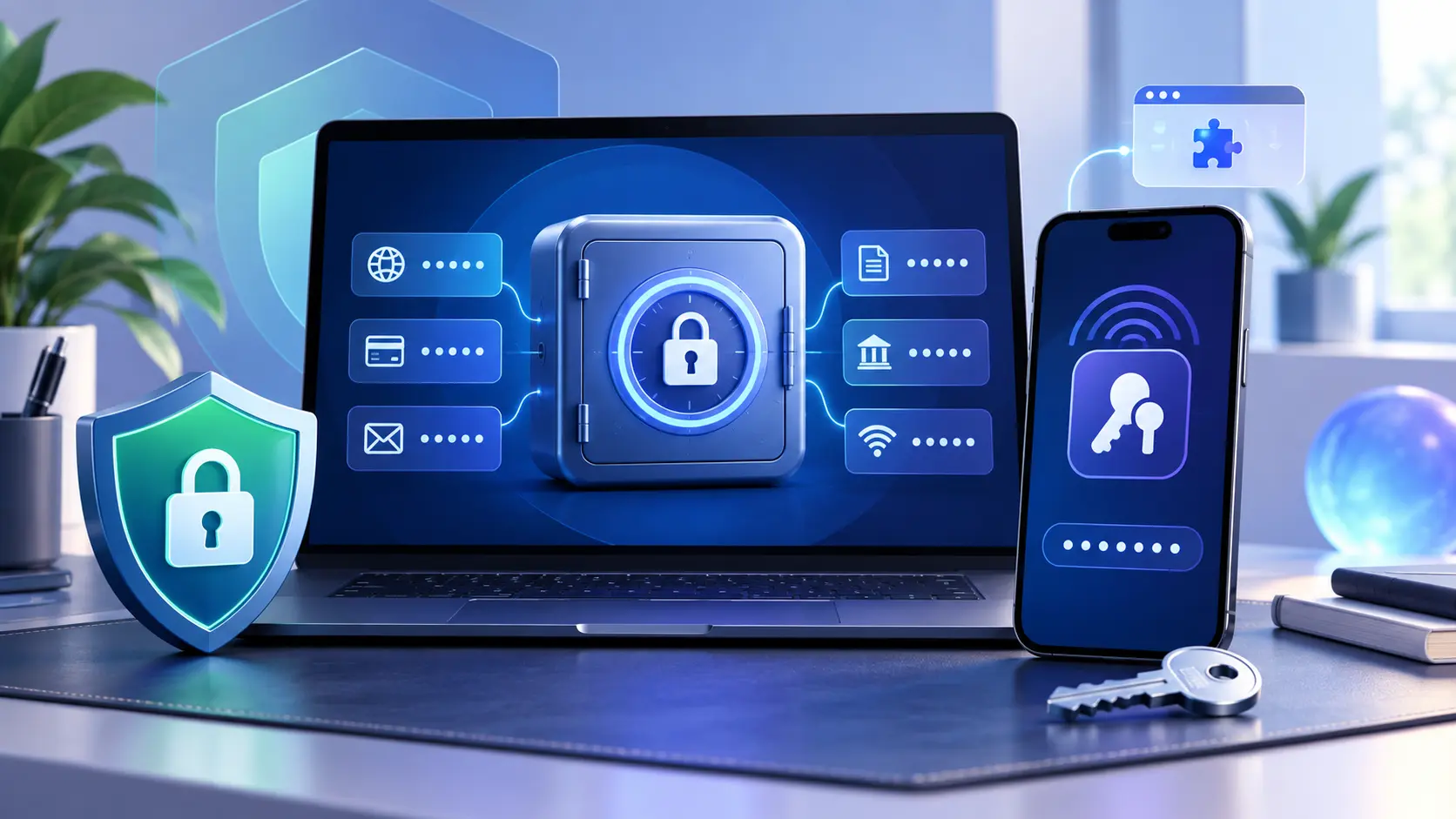
NordPass is a password and passkey manager from Nord Security. It stores logins, passkeys, payment-card details, personal information, and secure notes in an encrypted vault. Its apps can save new credentials, generate passwords, and autofill logins and forms.
The basic idea is simple: instead of remembering or reusing passwords, you protect one vault and let it create and retrieve unique credentials. NordPass synchronizes that vault on supported devices according to the limits of your plan.
NordPass security and encryption
NordPass documents a zero-knowledge architecture and local encryption before vault data reaches its servers. Its current security documentation says vault contents use XChaCha20 encryption and that the account password is processed with Argon2id to derive a key used in the vault-unlock process.
Those are meaningful design choices, but encryption does not remove every risk. A compromised unlocked device, malicious browser extension, successful account recovery attack, or weak account password can still expose data. Lock your devices, keep software updated, and enable the strongest available authentication for your Nord Account.
NordPass features, password health, and passkeys
- Autosave and autofill: captures credentials and fills them on matching sites.
- Password generator: creates unique passwords rather than encouraging reuse.
- Passkeys: creates, stores, and uses passkeys on supported sites and platforms.
- Password Health: identifies weak, old, or reused passwords on eligible plans.
- Data Breach Scanner: looks for exposed data and is listed on eligible paid plans.
- Secure sharing: lets eligible users share selected vault items without sending credentials in plain text.
- Email masking and file attachments: availability depends on the current plan.
Passkey support is an especially useful bridge while websites transition away from passwords. Read our guide to what a passkey is before deciding where you want passkeys synchronized.
NordPass download and Chrome extension
NordPass documents apps for Windows, macOS, Linux, Android, and iOS, plus a web vault. Browser extensions are available for Chrome, Firefox, Safari, Opera, and Edge. Its Chrome extension can save and autofill credentials and passkeys, while advanced monitoring features depend on the plan.
Start from the official NordPass site or a verified app-store listing. Avoid search ads or similarly named downloads, and check the publisher before installing a browser extension.
NordPass pricing: Free, Premium, and Family
| Plan | Best fit | Current documented structure |
|---|---|---|
| Free | One person testing core vault features | Essential storage, password generation, autosave, and autofill; current plan limits apply |
| Premium | One person using multiple devices and advanced tools | Adds capabilities such as Password Health, Data Breach Scanner, file attachments, and expanded device use |
| Family | Households that need separate vaults | Six user accounts with Premium-level personal features |
NordPass pricing frequently uses introductory promotions, and taxes or renewal terms may differ by location and billing period. For that reason, this review does not freeze a temporary monthly figure into the article. Compare the full initial charge, renewal price, refund terms, and included features at checkout.
Affiliate link. We may earn a commission at no additional cost to you. Confirm the current plan, total charge, renewal terms, and refund conditions before purchasing.
Does NordPass include an authenticator?
NordPass can protect the Nord Account with multi-factor authentication. Its current personal plan table, however, marks the built-in NordPass Authenticator as unavailable on Free, Premium, and Family, while NordPass separately documents a built-in authenticator for business plans. Do not assume a personal subscription stores TOTP codes unless the live plan page explicitly includes that feature.
If you keep one-time codes in a separate app, compare our guide to authenticator apps. Storing a password and its TOTP code together is convenient, but it reduces factor separation if the vault is fully compromised. Whichever approach you choose, learn how two-factor authentication works and save recovery methods before an emergency.
Who should choose NordPass?
NordPass is a good fit if:
- You want one vault for passwords and passkeys across mainstream devices and browsers.
- You prefer a straightforward product with optional password-health and breach alerts.
- You need separate household accounts through a Family plan.
- You understand the recovery process and are comfortable with a cloud-synchronized vault.
Consider another option if:
- You require a particular feature that is not included in the current personal plans.
- You want an open-source client or a self-hosting option.
- You need a built-in TOTP authenticator in a personal plan and the live NordPass table still excludes it.
- You have not compared export, recovery, sharing, and renewal terms with alternatives.
See our best password managers comparison for Keeper, RoboForm, Bitwarden, 1Password, Proton Pass, and NordPass side by side.
NordPass review FAQ
Select a question to open or close its answer.
Is NordPass free?
NordPass offers a Free personal plan with essential vault, password-generation, autosave, and autofill features. Check the current plan table for device limits and features reserved for Premium.
Is NordPass safe?
NordPass documents zero-knowledge architecture, local encryption, XChaCha20 vault encryption, Argon2id key derivation, security audits, and a bug-bounty program. No password manager removes every risk, so use a strong unique account password, strong authentication, and protected devices.
Does NordPass support passkeys?
Yes. NordPass documents the ability to create, store, synchronize, and use passkeys on supported websites and platforms.
Does NordPass have a Chrome extension?
Yes. NordPass offers an extension for Chrome and other supported browsers. Install it through NordPass’s official download page or a verified browser store listing.
Does NordPass have a built-in authenticator?
NordPass documents a built-in authenticator for business plans, while its current personal plan table marks NordPass Authenticator unavailable on Free, Premium, and Family. Verify the live plan table because features can change.
Is this a hands-on NordPass review?
No. This is an independent editorial review of current NordPass product, plan, support, and security documentation. Instant2FA may earn a commission through the NordPass link, but does not claim testing it did not perform.
Sources and further reading
- NordPass personal plan comparison
- NordPass feature documentation
- NordPass security architecture
- NordPass passkey documentation
- NordPass Chrome extension
- NordPass Help Center overview
Features, prices, promotions, and plan limits change. Verify the provider’s current documentation and checkout terms before subscribing.