
RoboForm passkeys let compatible websites replace a password with a credential that RoboForm can save and offer across supported devices. RoboForm also has a separate Passwordless Unlock feature that can use a passkey to unlock RoboForm itself.
Considering RoboForm for passwords and passkeys? Check its current platform support, plan features, full price, and renewal terms.
Affiliate link. We may earn a commission at no additional cost to you.
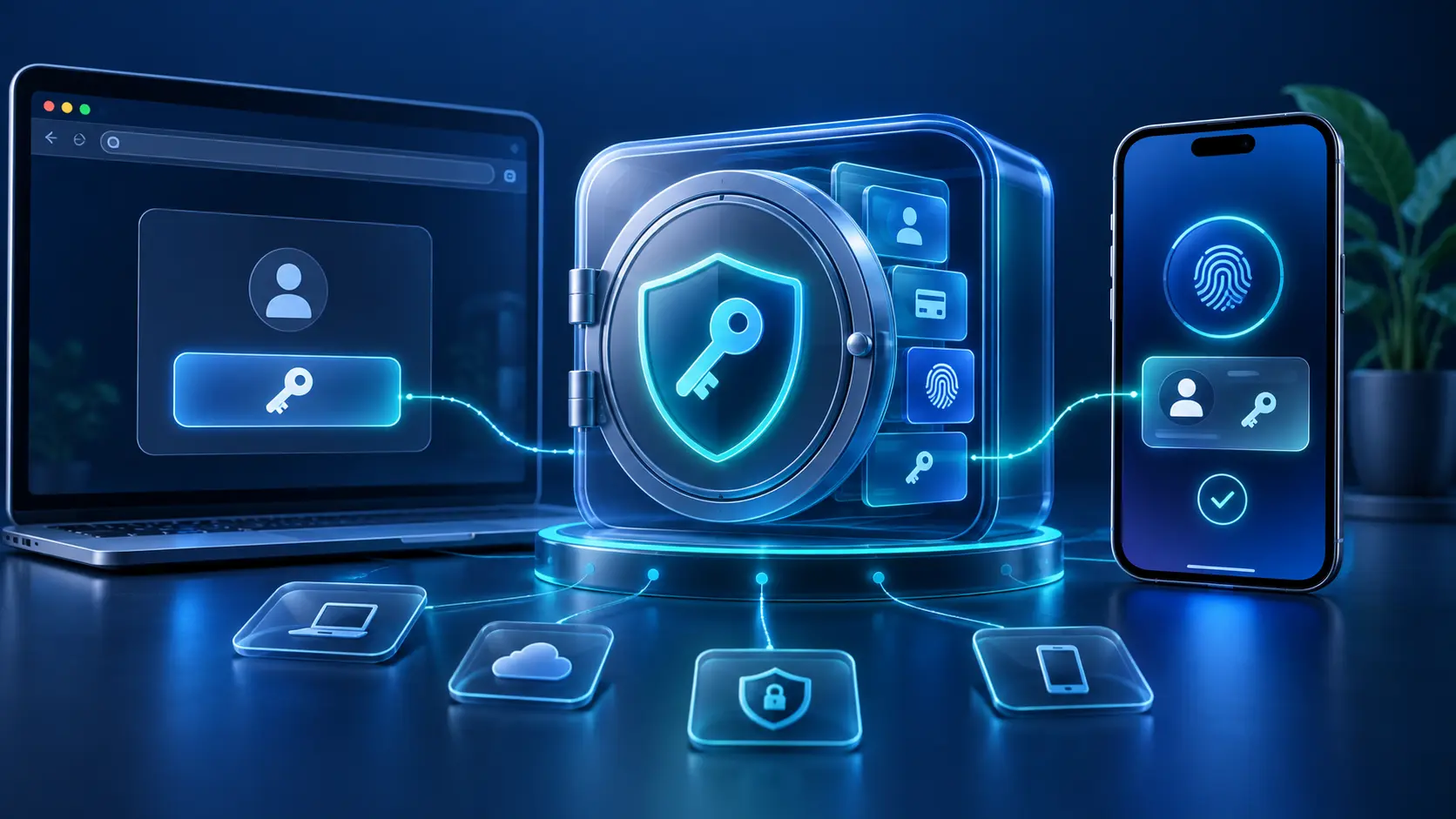
What are RoboForm passkeys?
A passkey is a phishing-resistant sign-in credential tied to the website or app that created it. Instead of typing a reusable secret, you approve sign-in with your device or password manager. The service keeps a public key; the private credential remains with your passkey provider.
When a compatible site creates a new passkey, RoboForm can offer to save it. If a RoboForm Login already exists for that account, the passkey is added to that item; otherwise RoboForm creates a new Login. On a later visit, RoboForm can offer the saved passkey for sign-in.
How to save and use RoboForm passkeys
- Update RoboForm and your browser or operating system.
- Confirm that RoboForm AutoSave is enabled.
- Open the account’s official security settings and choose its option to create a passkey.
- When the system asks where to save it, choose RoboForm and approve the save prompt.
- Sign out only after confirming that another recovery method remains available.
- Return to the site’s official sign-in page, choose its passkey option, and approve RoboForm’s prompt.
The exact labels differ by website, browser, and operating system. Never scan a passkey QR code sent by an unknown person, and do not approve a prompt you did not initiate.
Where RoboForm passkeys work and how they sync
RoboForm’s current documentation lists passkey support in desktop apps, standalone browser extensions, and mobile apps. For mobile use, it lists iOS 17 and Android 14 or later. A passkey saved in RoboForm can be available on other supported devices where RoboForm is installed and the vault is accessible.
Saved passkeys are shown within RoboForm Login items with their creation date. RoboForm says they are not editable or copyable, but they can be shared with another RoboForm user through secure sharing. Treat passkey sharing as account access: share only when the underlying service and your organization or household rules allow it.
Because compatibility changes, test the exact combination you rely on: operating-system version, browser or app, RoboForm version, and the website. A site can support passkeys without supporting every cross-device flow.
Website passkeys vs RoboForm Passwordless Unlock
| Feature | What it unlocks | Where it is saved | Main caution |
|---|---|---|---|
| Passkey stored in RoboForm | A compatible website or app account | Inside the relevant RoboForm Login | Keep website recovery options until cross-device access is tested |
| RoboForm Passwordless Unlock | Your RoboForm vault instead of typing the master password | In the platform credential provider selected during setup | Do not lose every device or fallback used to recover RoboForm |
| Passkey as RoboForm 2FA | Acts as an additional RoboForm sign-in method | Preferably outside RoboForm for factor separation | Storing it inside the same vault is convenient but combines the factors |
These are related but different jobs. RoboForm’s own guidance warns that storing a RoboForm 2FA passkey inside RoboForm puts both authentication factors in one location. It recommends a built-in device manager for that setup when separation and fallback resilience matter.
Recovery and safe setup checklist
- Keep a trusted RoboForm session available while adding Passwordless Unlock or a new 2FA method.
- Maintain the account’s documented fallback and secure the recovery email independently.
- Test the passkey on a second supported device before removing a password or old authenticator.
- Review missing devices and remove access when the provider or website supports it.
- Do not assume a password export includes passkeys. RoboForm says saved passkeys are not copyable; follow current provider migration documentation before changing managers.
- Protect every device that can open the vault with an appropriate screen lock and updates.
For the broader product picture, read our RoboForm review, RoboForm vs Google Password Manager, and password managers for Android guide.
Affiliate link. We may earn a commission at no additional cost to you.
RoboForm passkeys FAQ
Select a question to open or close its answer.
Does RoboForm support passkeys?
Yes. RoboForm currently documents passkey storage in desktop apps, standalone browser extensions, and mobile apps. Mobile use requires supported versions; its current documentation lists iOS 17 and Android 14 or later.
How do RoboForm passkeys work?
When a compatible website creates a passkey, RoboForm can save it in an existing or new Login item. On a later visit, RoboForm can offer that passkey so you can approve passwordless sign-in.
Can RoboForm sync passkeys?
RoboForm says passkeys stored in its vault can be used on supported devices where RoboForm is installed, instead of being limited to the device on which they were created.
Can I export RoboForm passkeys?
RoboForm says saved passkeys are not editable or copyable. Do not assume a CSV password export includes them; check current migration documentation and add a replacement passkey at each website before deleting the old one.
Are passkeys safer than passwords?
Passkeys are designed to resist ordinary phishing and avoid reusable password secrets. Security still depends on protecting devices, the password manager, and account recovery.
Is the RoboForm link an affiliate link?
Yes. Instant2FA may earn a commission through RoboForm links on this page at no additional cost to you.
Sources and further reading
- RoboForm: how to store passkeys
- RoboForm: Passwordless Unlock
- RoboForm: passkeys as a 2FA method
- Android Help: sign in with passkeys
- FIDO Alliance passkey overview
Passkey support, platform requirements, plans, and interface labels change. Verify current official documentation before relying on a new sign-in or recovery flow.