
Is RoboForm safe? Based on its documented AES-256 encryption, PBKDF2-SHA-256 key derivation, local decryption, zero-knowledge design, multi-factor options, and 2023 and 2025 third-party assessments, RoboForm has credible security controls. It is not risk-free: protection still depends heavily on your Master Password, devices, recovery methods, extensions, and handling of exports.
Considering RoboForm? Review its current security features, plan limits, full price, and renewal terms before deciding.
Affiliate link. We may earn a commission at no additional cost to you.
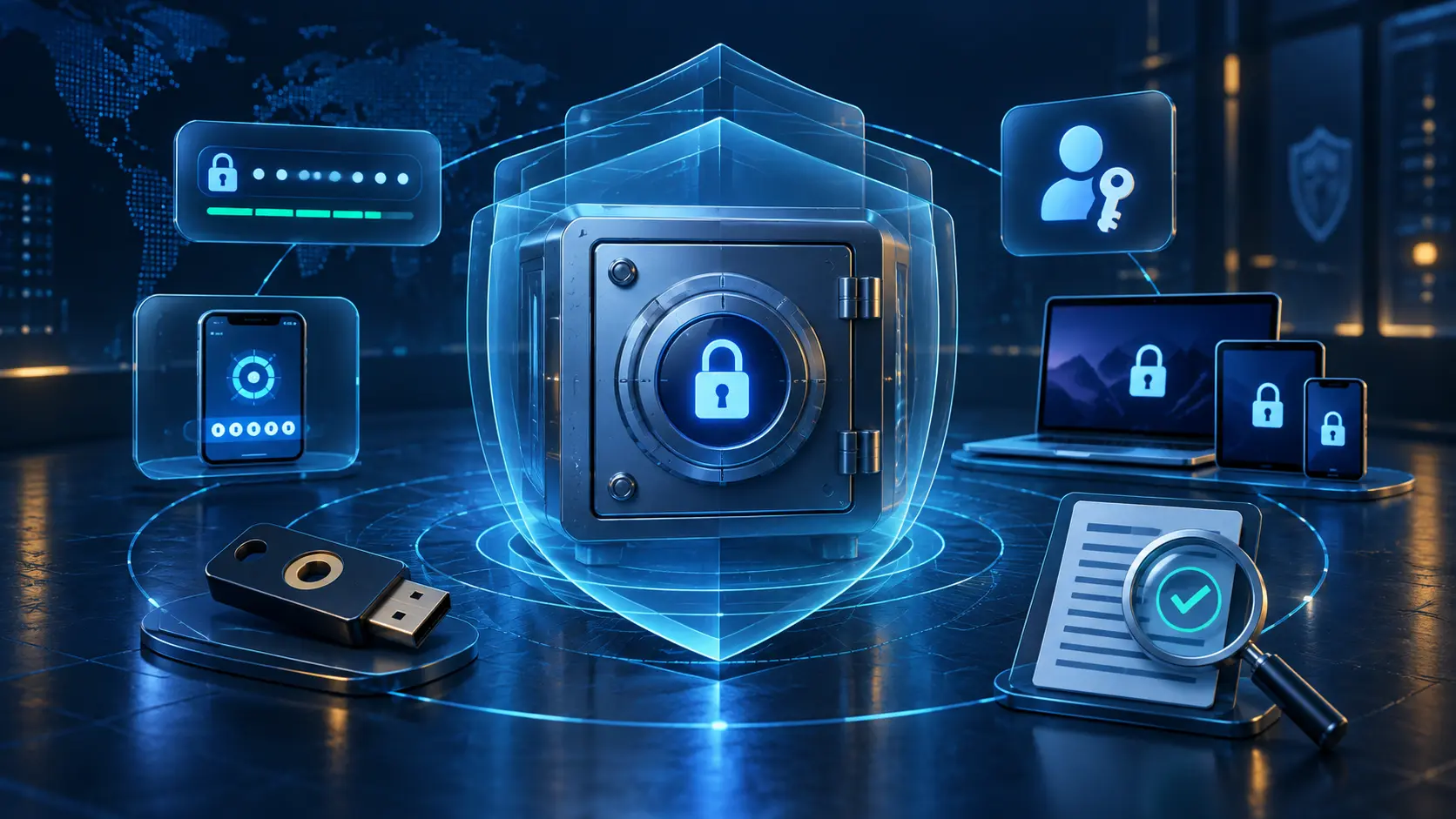
RoboForm encryption and zero-knowledge design
RoboForm says vault data is encrypted with AES-256 and that PBKDF2 with SHA-256 and a random salt derives the encryption key from the Master Password. Decryption occurs on the user’s device, including during web access, and the encryption key does not leave the client device.
“Zero knowledge” does not mean zero risk. It means the provider says it cannot read the encrypted vault or recover the Master Password. That protects privacy from the service, but it also makes a forgotten Master Password and weak recovery planning more consequential. A weak Master Password can still be attacked if encrypted vault data is obtained.
Has RoboForm been independently audited?
RoboForm states that Secfault Security performed comprehensive security audit and penetration-test assessments in 2023 and 2025. The current help-center summary says the 2025 scope included Windows and macOS clients, Android and iOS apps, Chrome, Edge and Firefox extensions, the online portal, and password-generator source.
This is positive evidence because the scope spans the major product surfaces. It is not a permanent guarantee: an audit is a point-in-time assessment of specified versions and methods. Readers should consider audit recency, scope, published findings, remediation, update practices, and the provider’s vulnerability-disclosure program together.
RoboForm account protection
| Control | What it helps with | Important limitation |
|---|---|---|
| AES-256 encrypted vault | Protects stored vault contents when implemented and used correctly | A weak Master Password or compromised unlocked device can undermine protection |
| Local decryption | Keeps the Master Password and decrypted vault from provider-side use under the documented design | Endpoint security becomes critical |
| TOTP authenticator | Adds a second step on a new or unauthorized device | Keeping the TOTP secret inside the same vault reduces factor separation |
| Passkeys and hardware keys | Can provide phishing-resistant authentication on compatible platforms | Support and recovery depend on devices, browsers, and how the credential is stored |
| Security Center and breach monitoring | Flags weak, reused, or exposed credentials | Alerts do not automatically change compromised passwords |
What RoboForm cannot protect you from
- An unlocked or infected device: malware or a person controlling an open session may access filled or decrypted data.
- Phishing approval mistakes: passkeys resist ordinary phishing, but users can still disclose recovery information or approve unrelated prompts.
- A weak Master Password: encryption cannot make a short, reused secret strong.
- Unsafe recovery: a compromised email account or poorly protected fallback can bypass a strong vault setup.
- Plaintext exports: a RoboForm CSV is readable outside the vault. Follow our guide to export RoboForm passwords safely.
- Overbroad sharing: recipients may retain credentials or access after the original need ends.
- Extensions from the wrong source: install only through RoboForm’s official download path and verify the publisher.
No responsible security analysis can promise that a product has never had—or will never have—a vulnerability. Published provider statements, audit summaries, and current controls are evidence, not certainty.
How to use RoboForm more safely
- Create a long, unique Master Password and do not store its only recovery copy inside RoboForm.
- Enable TOTP, a passkey, or a compatible hardware security key where the current account flow supports it.
- Keep at least one independent recovery route and test it before an emergency.
- Review authorized devices and remove devices you no longer control.
- Use appropriate vault auto-lock settings and lock the operating-system account when away.
- Keep RoboForm, browsers, extensions, and operating systems updated.
- Let RoboForm fill only when the exact site or app association is correct; do not force-fill suspicious pages.
- Verify imports before deleting an old vault, and delete every plaintext export afterward.
For a broader feature assessment, read our RoboForm review, RoboForm passkeys guide, and RoboForm pricing comparison.
Affiliate link. We may earn a commission at no additional cost to you.
Is RoboForm safe FAQ
Select a question to open or close its answer.
Is RoboForm safe to use?
RoboForm documents credible controls including AES-256 encryption, PBKDF2-SHA-256 key derivation, local decryption, multi-factor options, and third-party assessments. Safe use still depends on a strong Master Password, protected devices, updates, and recovery planning.
Can RoboForm see my passwords?
Under RoboForm’s documented zero-knowledge design, vault decryption occurs locally, the Master Password is not transmitted to its servers, and RoboForm says it cannot access the encrypted vault contents.
Has RoboForm had a security audit?
RoboForm says Secfault Security conducted comprehensive assessments in 2023 and 2025 across desktop, mobile, browser-extension, and web surfaces.
What encryption does RoboForm use?
RoboForm documents AES-256 vault encryption and PBKDF2 with SHA-256 and a random salt for deriving the encryption key from the Master Password.
Should I enable RoboForm two-factor authentication?
Yes. A strong second factor helps protect account access on an unauthorized device. Prefer TOTP, a passkey, or a compatible hardware key when available, and preserve an independent recovery method.
Is the RoboForm link an affiliate link?
Yes. Instant2FA may earn a commission through marked RoboForm links on this page at no additional cost to you.
Sources and further reading
- RoboForm security overview and whitepaper
- RoboForm third-party audit summary
- RoboForm security documentation
- RoboForm web-access decryption explanation
- RoboForm account-security options
Checked September 12, 2026. Product versions, audit coverage, features, and security guidance change; verify current official documentation.