
RoboForm vs LastPass is a close comparison between two established password managers. RoboForm stands out for detailed form filling, a built-in TOTP authenticator, local-only storage on eligible paid setups, and five-account Family coverage. LastPass offers a polished cross-device vault, six-person Families plan, passkeys, security monitoring, and a broad feature set—but its 2022 security incident remains relevant to the decision.
RoboForm sound like the better fit? Check its current Free, Premium, and Family terms before purchasing.
Affiliate link. We may earn a commission at no additional cost to you.
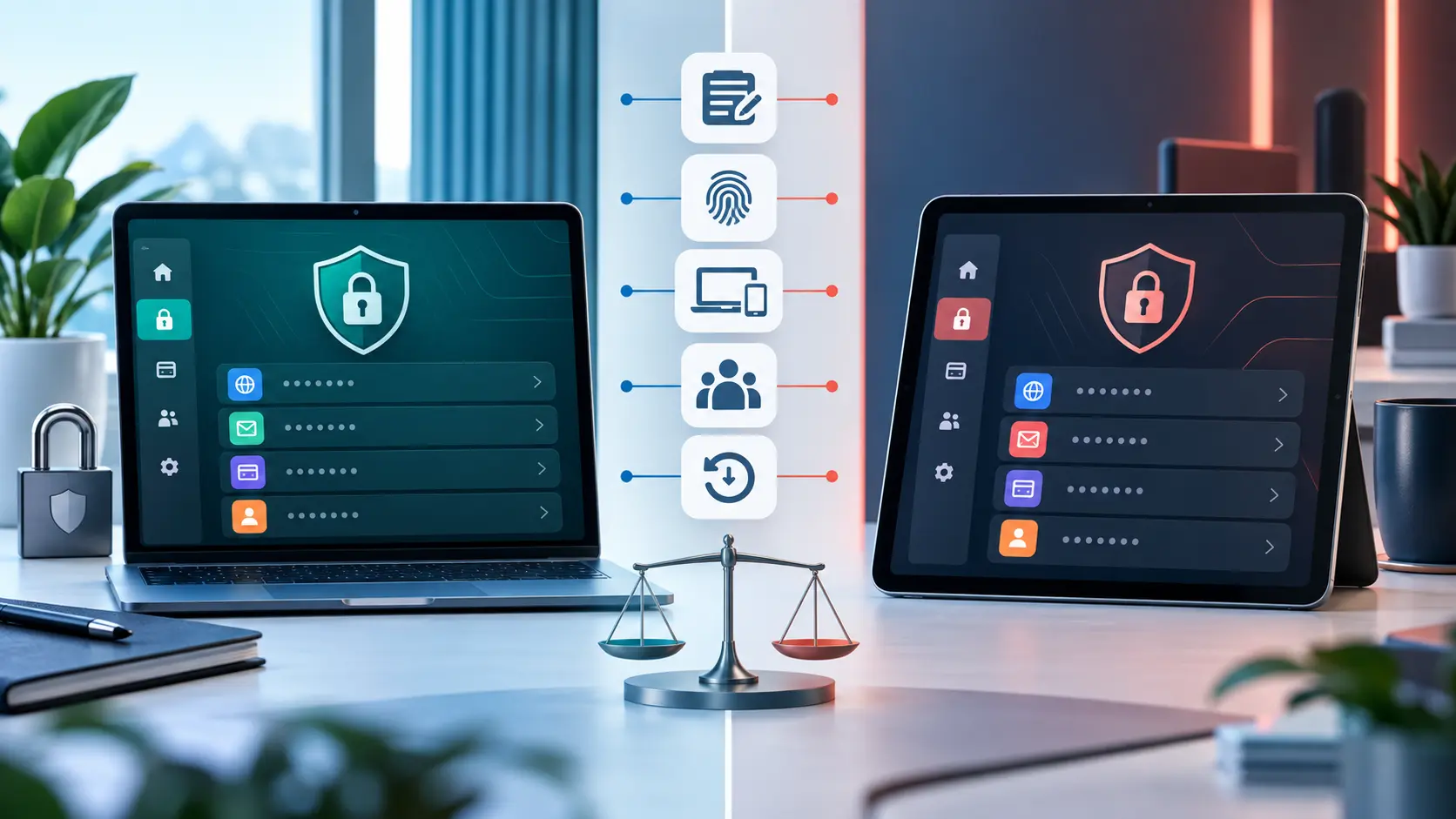
RoboForm vs LastPass at a glance
| Category | RoboForm | LastPass |
|---|---|---|
| Free-plan limit | Unlimited passwords on one device | Unlimited passwords limited to one device type |
| Paid device access | All supported devices | All supported devices |
| Family accounts | Five Premium accounts | Six Premium accounts |
| Passkeys | Documented storage and use | Documented creation, storage, and management |
| Built-in TOTP | Included in current personal-plan documentation | Current paid-plan table marks direct vault TOTP unavailable |
| Form filling | Detailed identity and multi-profile form filling | Password and form autofill |
| Emergency access | Eligible paid plans | Premium and Families |
| Local-only option | Documented for eligible paid desktop use | Cloud-synchronized service |
| Security history | Documents independent assessments in 2023 and 2025 | Disclosed theft of customer vault backups and account metadata in 2022 |
Plan features change. This table reflects current provider documentation and should be checked against each live plan page before purchase or migration.
RoboForm vs LastPass security
Both companies document zero-knowledge designs and local vault encryption. RoboForm says it uses AES-256 encryption with PBKDF2-SHA-256 key derivation and that decryption occurs on the user’s device. LastPass also documents AES-256 local encryption and a zero-knowledge architecture.
The important difference is security history. LastPass disclosed that a threat actor used information from an August 2022 incident to access a cloud storage environment and copy customer account information, metadata, and backups containing vault data. LastPass said sensitive vault fields remained encrypted, while some information such as website URLs was unencrypted. Its later update described investigation findings and security-hardening work.
That history does not prove every current LastPass vault is unsafe, and the absence of a similar disclosed incident does not prove another provider cannot be breached. It does mean prospective LastPass users should read the provider’s incident materials, understand the residual risk of stolen encrypted vault backups, and judge its response. RoboForm states that Secfault Security performed assessments in 2023 and 2025; an audit is useful evidence about reviewed scope, not a guarantee against future flaws.
RoboForm Free vs LastPass Free
RoboForm Free currently documents unlimited password storage on one device, along with form filling, a password audit, passkey management, and integrated TOTP. LastPass Free documents unlimited password storage but restricts use to one device type—computers or mobile devices—rather than one individual device.
The distinction matters. Someone using several desktop browsers may prefer LastPass’s device-type approach, while someone who wants RoboForm’s built-in authenticator and form filling on one main device may prefer RoboForm Free. Anyone expecting seamless phone-and-computer synchronization should compare the paid plans.
Premium and family plans
RoboForm Premium expands use across supported devices and documents cloud backup, web access, secure sharing, emergency access, monitoring, local-only mode, and priority support. RoboForm Family provides five separate Premium accounts.
LastPass Premium adds all-device access, sharing, security monitoring, emergency access, passkeys, and other personal features. LastPass Families provides six separate Premium accounts and family shared folders.
Both providers use annual billing and may advertise promotions. Compare the full first charge, renewal amount, refund conditions, included support, and exact feature table rather than multiplying a promotional monthly equivalent.
Form filling, passkeys, and two-factor authentication
RoboForm’s strongest differentiator is detailed form filling. It can store multiple identities and form-data profiles in addition to credentials. LastPass also saves and autofills passwords and forms, but users with complex form-filling needs may find RoboForm’s emphasis more relevant.
Both providers document passkey support. Read what a passkey is before deciding which vault should synchronize those credentials.
RoboForm’s current personal documentation includes an integrated TOTP authenticator. LastPass supports multifactor authentication for protecting its vault, but its current paid-plan table marks time-based codes generated directly from the LastPass vault as unavailable. This distinction separates protecting the password manager with 2FA from using the password manager to generate codes for other sites.
How to move from LastPass to RoboForm safely
- Keep LastPass installed and accessible until the new vault is verified.
- Use RoboForm’s documented LastPass import process.
- Export only on a trusted, updated computer because the CSV is unencrypted.
- Import the file into RoboForm and check representative logins, notes, identities, and folders.
- Verify passkeys, attachments, form-fill identities, and TOTP items separately; not every item type maps identically.
- Delete the unencrypted export after verification, then empty any recycle bin and remove cloud-backup copies.
- Confirm recovery and account authentication before closing or deleting the old vault.
RoboForm notes that some LastPass payment or form-fill information may import as Safenotes instead of RoboForm Identity items, so inspect the migration rather than assuming every field transferred perfectly.
Should you choose RoboForm or LastPass?
Choose RoboForm if:
- Detailed form filling is a major reason you want a password manager.
- You want an integrated TOTP authenticator under the current personal plans.
- An eligible local-only desktop configuration matters to you.
- Five family accounts are enough and RoboForm’s current terms fit your budget.
Affiliate link. We may earn a commission at no additional cost to you. Confirm the current plan, total charge, renewal terms, and refund conditions before purchasing.
Choose LastPass if:
- You want six accounts in a family subscription.
- Its device-type Free limit works better than a one-device limit.
- You prefer LastPass’s current apps and documented feature mix.
- You have reviewed its incident disclosures and are satisfied with the present security model and response.
Non-affiliate official plan link.
For more RoboForm context, review RoboForm security and risks, current RoboForm pricing, and how RoboForm passkeys work. If you switch away, follow the safer process to export RoboForm passwords. You can also read our full review and broader comparison.
RoboForm vs LastPass FAQ
Select a question to open or close its answer.
Is RoboForm better than LastPass?
RoboForm is the stronger documented fit for detailed form filling, integrated TOTP, and an eligible local-only option. LastPass may fit users who want six family accounts or prefer its device-type Free limit. The better choice depends on your devices, recovery plan, and view of LastPass’s incident history.
Which has the better free plan?
RoboForm Free offers unlimited passwords on one device. LastPass Free offers unlimited passwords on one device type, meaning computers or mobile devices. Compare the exact platforms you need rather than choosing by the word “free” alone.
Do RoboForm and LastPass support passkeys?
Yes. Both providers currently document passkey storage and management on supported platforms.
Does RoboForm import from LastPass?
Yes. RoboForm provides an official LastPass import process using an exported CSV file. The file is unencrypted, so keep it private and delete it after verifying the migration.
Was LastPass breached?
Yes. LastPass disclosed that a threat actor copied customer account information, metadata, and backups containing vault data during its 2022 incident chain. Sensitive vault fields were encrypted, while some data such as website URLs was unencrypted. Read LastPass’s incident updates for scope and response details.
Are both links affiliate links?
No. Instant2FA may earn a commission through the RoboForm link. The LastPass link on this page goes to its official pricing page and is not currently identified as an affiliate link.
Sources and further reading
- RoboForm personal plans
- RoboForm security documentation
- RoboForm audit information
- RoboForm LastPass migration guide
- LastPass plans and feature comparison
- LastPass security architecture
- LastPass 2022 security-incident notice
- LastPass investigation update and response
Features, prices, promotions, and plan limits change. Verify each provider’s current documentation and checkout terms before subscribing.