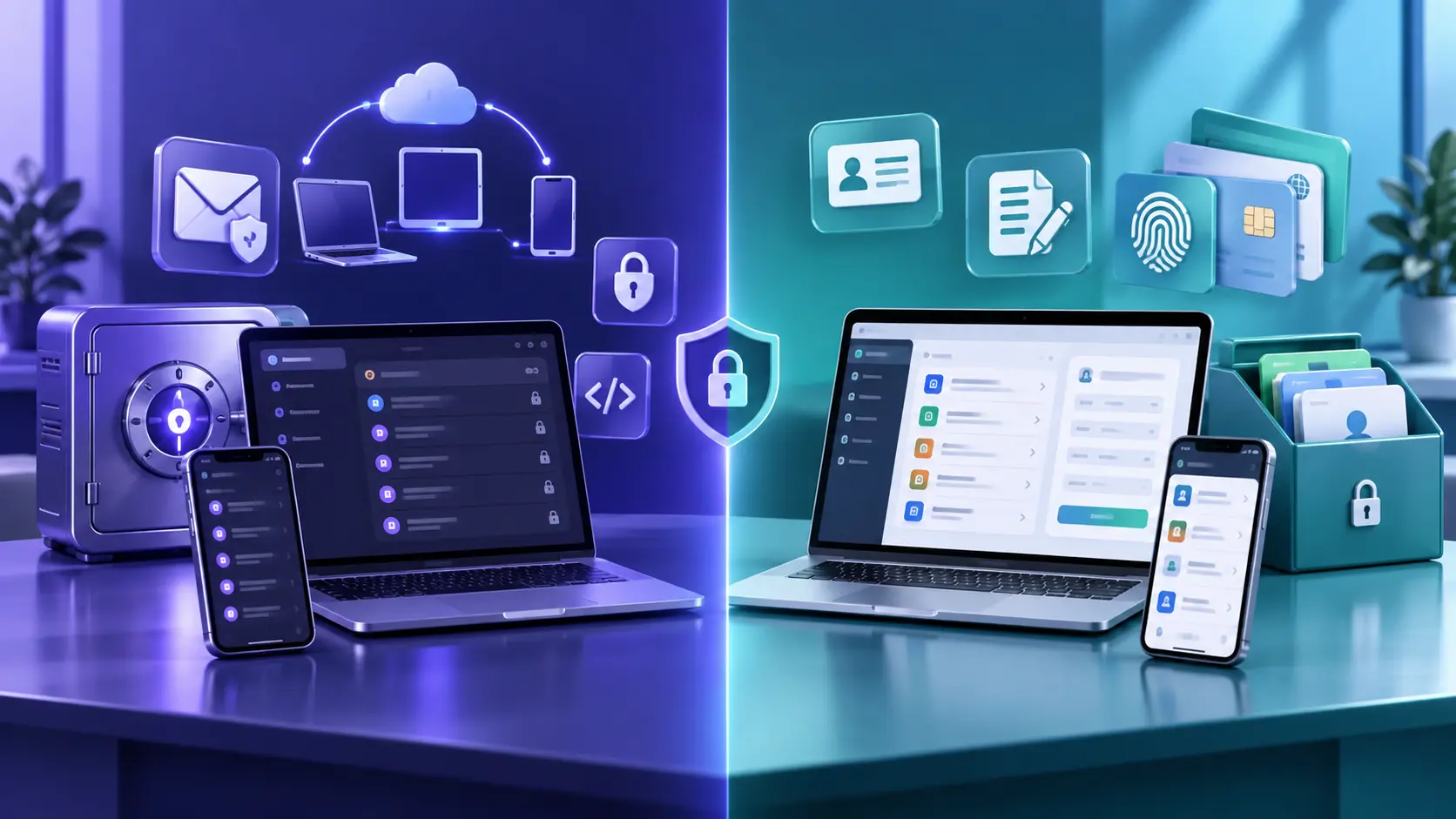
Proton Pass vs RoboForm compares a privacy-focused, open-source password manager with a long-established form-filling specialist. Proton Pass offers unlimited logins and devices on its free plan, hide-my-email aliases, encrypted metadata, and close integration with Proton services. RoboForm emphasizes detailed identities, mature form filling, integrated TOTP, emergency access, and an eligible local-only option.
RoboForm sound like the better fit? Check its current Free, Premium, and Family terms before purchasing.
Affiliate link. We may earn a commission at no additional cost to you.
Proton Pass vs RoboForm at a glance
| Category | Proton Pass | RoboForm |
|---|---|---|
| Free access | Unlimited logins, notes, credit cards, and devices; 10 hide-my-email aliases | Unlimited passwords on one device |
| Best fit | Privacy-focused users, email aliases, and strong free value | Detailed form filling and multiple identities |
| Platforms | Web, desktop, mobile, and major browser extensions | Desktop, mobile, web, and major browser extensions |
| Encryption | End-to-end encryption for vault fields and metadata | AES-256, PBKDF2-SHA-256, local encryption and decryption |
| Transparency | Open-source apps and published independent audit information | Published security documentation and audit information |
| Passkeys | Available across current plans on supported platforms | Documented storage and use on supported platforms |
| Built-in TOTP | Paid feature in the current plan table | Included in current personal-plan documentation |
| Email aliases | 10 on Free; unlimited on eligible paid plans | No comparable native hide-my-email system highlighted |
| Emergency access | Available on paid Proton plans; both parties need Proton Mail addresses | Available on eligible paid plans |
| Local-only option | Cloud-synchronized service | Documented for eligible paid desktop setups |
Plan details and promotions change. Confirm the current plan pages and checkout terms before subscribing.
Security and privacy
Proton Pass documents end-to-end encryption not only for passwords but also usernames, website addresses, notes, and other vault metadata. Its apps are open source, and Proton publishes information about independent audits and its bug-bounty program. Proton also emphasizes Swiss jurisdiction and integration with the same account used by Proton Mail, VPN, Drive, and Calendar.
RoboForm documents AES-256 encryption, PBKDF2-SHA-256 key derivation, and local encryption and decryption under a zero-knowledge design. Its unusual differentiator is an optional local-only mode for eligible paid desktop use. That may appeal to users who deliberately prefer not to synchronize a vault, although it increases the importance of their own backup and recovery plan.
Neither provider’s architecture removes risks from a weak account password, unlocked infected device, malicious extension, unsafe export, or failed recovery plan. Use strong account authentication, keep devices updated, and treat audits as evidence about a reviewed scope rather than a permanent guarantee.
Free and paid plans
Proton Free currently includes unlimited logins, notes, credit cards, devices, browser and mobile apps, password generation, 10 hide-my-email aliases, weak and reused-password alerts, passkeys, and imports. Pass Plus adds features including unlimited aliases, integrated TOTP, expanded sharing, dark-web monitoring, attachments, advanced account protection, and emergency access. Pass Family currently provides six Pass Plus accounts.
RoboForm Free stores unlimited passwords on one device. Premium expands access across supported devices and adds eligible features such as cloud backup, sharing, emergency access, monitoring, web access, and local-only mode. RoboForm Family currently provides five Premium accounts.
Compare the full initial charge, renewal price, billing period, family seats, refund conditions, and exact feature row. A low monthly equivalent may still be charged annually.
Autofill, aliases, passkeys, and TOTP
Proton Pass’s clearest differentiator is identity privacy. Hide-my-email aliases forward messages without exposing your primary address to every site. Its free plan includes 10 aliases, while eligible paid plans add unlimited aliases and advanced alias controls. Proton Pass also supports passkeys across current plans.
RoboForm’s clearest differentiator is detailed form filling. Multiple identities and profiles can help people who repeatedly complete longer address, contact, payment, or application forms. RoboForm also documents storing, generating, and filling TOTP codes under its current personal offering.
Both services can hold passwords, passkeys, and—in eligible plans—TOTP seeds. Read what passkeys are and compare separate authenticator apps before consolidating credentials.
How to switch safely
Moving from RoboForm to Proton Pass
- Keep RoboForm installed and accessible while testing the new vault.
- Export only on a trusted, updated computer.
- In Proton Pass, choose the dedicated RoboForm importer and select the export file.
- Choose the destination vault and complete the import.
- Check representative logins, notes, identities, passkeys, TOTP items, and attachments.
- Delete the unencrypted export and any backup, cloud-sync, or recycle-bin copies.
- Confirm account recovery and another device before uninstalling RoboForm.
Moving from Proton Pass to RoboForm
Export from Proton Pass using its official process, then import the supported file through RoboForm. Do not assume every alias, passkey, TOTP seed, attachment, or custom field will map perfectly. Keep the old vault until representative and high-value items have been checked manually.
Should you choose Proton Pass or RoboForm?
Choose Proton Pass if:
- You want unlimited devices on the free plan.
- Open-source apps and encrypted metadata matter to you.
- Hide-my-email aliases are a priority.
- You already use or want the broader Proton ecosystem.
Official non-affiliate Proton plan link.
Choose RoboForm if:
- Detailed multi-profile form filling is your priority.
- You want integrated TOTP under the current personal offering.
- An eligible local-only desktop setup matters.
- Its Premium or five-account Family structure fits your needs.
Affiliate link. We may earn a commission at no additional cost to you. Verify the plan, total charge, renewal terms, and refund conditions.
For more context, read our RoboForm review, Chrome password-manager guide, and broader password-manager comparison.
Dig deeper with our guides to RoboForm security, RoboForm pricing, and RoboForm passkeys. If Proton Pass wins your comparison, follow the safer checklist to export RoboForm passwords before importing.
Proton Pass vs RoboForm FAQ
Select a question to open or close its answer.
Is Proton Pass better than RoboForm?
Proton Pass is the stronger documented fit for unlimited-device free access, open-source apps, encrypted metadata, email aliases, and the Proton ecosystem. RoboForm may better fit users prioritizing detailed form filling, integrated TOTP, or eligible local-only storage.
Which has the better free plan?
Proton Free currently supports unlimited logins and devices plus 10 aliases. RoboForm Free supports unlimited passwords on one device. The better choice depends on whether cross-device access or RoboForm’s form filling matters more.
Do Proton Pass and RoboForm support passkeys?
Yes. Both providers document passkey storage and use on supported devices and browsers.
Can Proton Pass import RoboForm passwords?
Yes. Proton provides a dedicated RoboForm import guide. Export files contain sensitive readable data, so keep them private and delete every copy after verifying the import.
Which is better for families?
Proton Pass Family currently lists six Pass Plus accounts, while RoboForm Family lists five Premium accounts. Compare sharing, recovery, current pricing, and every household member’s platform needs.
Are both links affiliate links?
No. Instant2FA may earn a commission through the RoboForm link. The Proton Pass link is an official non-affiliate plan link.
Sources and further reading
- Proton Pass plans
- Proton Pass security
- Proton Pass passkeys
- Import RoboForm data into Proton Pass
- Proton emergency access
- RoboForm personal plans
- RoboForm security
- RoboForm TOTP documentation
Features, prices, promotions, and plan limits change. Verify each provider’s current documentation and checkout terms before subscribing.