
RoboForm vs 1Password compares two capable password managers with different strengths. RoboForm emphasizes detailed form filling, an integrated TOTP authenticator, a free one-device plan, and an optional local-only mode on eligible paid setups. 1Password emphasizes its Secret Key, Watchtower alerts, Travel Mode, flexible vaults, and support for developer credentials.
RoboForm sound like the better fit? Check its current Free, Premium, and Family terms before purchasing.
Affiliate link. We may earn a commission at no additional cost to you.
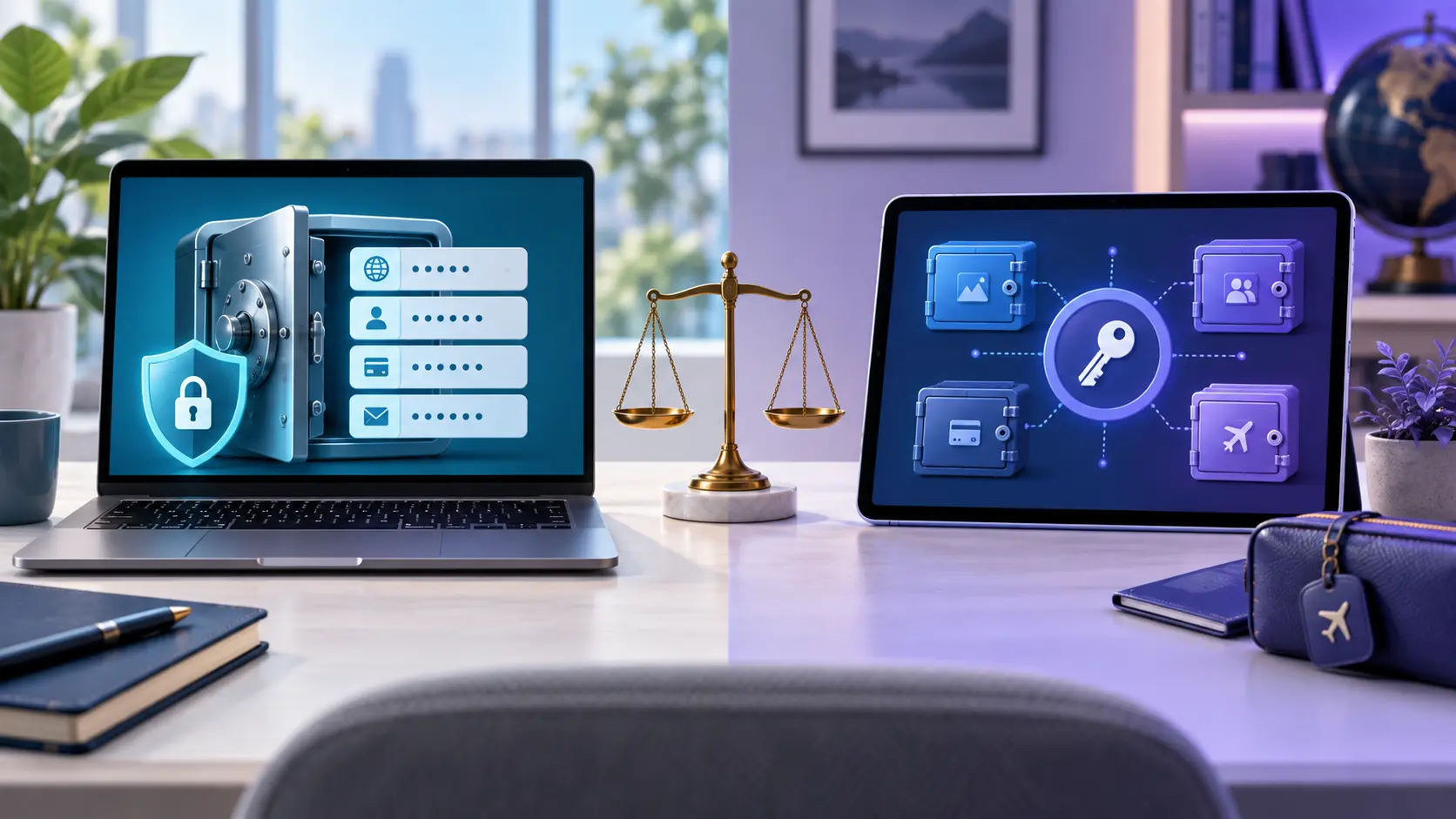
RoboForm vs 1Password at a glance
| Category | RoboForm | 1Password |
|---|---|---|
| Free access | Permanent Free plan; unlimited passwords on one device | 14-day trial; no permanent personal free tier documented |
| Paid device access | All supported devices | All supported devices |
| Family coverage | Up to five Premium accounts | Families plan currently lists five seats |
| Distinctive security feature | Eligible local-only mode | Account password plus Secret Key |
| Security monitoring | Compromised-password and breach monitoring | Watchtower alerts |
| Passkeys | Documented storage and use | Documented creation, storage, and use |
| Built-in TOTP | Included in current personal-plan documentation | Supported in Login items |
| Form filling | Detailed identities and multiple form profiles | Logins, addresses, cards, and other saved items |
| Travel feature | No direct equivalent highlighted | Travel Mode can remove selected vaults from devices |
| Developer tools | General credential management | SSH keys, API tokens, CLI, and developer workflows |
Features, promotions, and plan limits change. Confirm the current provider pages and checkout terms before subscribing.
RoboForm vs 1Password security
Both providers describe end-to-end or zero-knowledge protection in which vault data is encrypted before it reaches their servers. RoboForm documents AES-256 encryption, PBKDF2-SHA-256 key derivation, and local decryption. It also documents an optional local-only mode for eligible paid desktop use.
1Password protects an account with both an account password and a randomly generated Secret Key. The Secret Key is designed to add high-entropy protection if encrypted server data is obtained. 1Password also says all vault information—including URLs and item titles—is end-to-end encrypted.
Neither design eliminates the need for a strong account password, multifactor authentication, safe recovery materials, updated devices, and careful handling of exports. Independent assessments provide useful evidence about reviewed scope, but they are not guarantees against every future flaw.
Free, individual, and family plans
RoboForm offers a permanent Free plan with unlimited passwords on one device. Its Premium plan expands access across supported devices and adds features such as backup, web access, sharing, emergency access, monitoring, and eligible local-only mode. RoboForm Family includes up to five Premium accounts.
1Password currently promotes a 14-day trial rather than a permanent personal free tier. Its Individual plan includes use across supported devices, Watchtower, item sharing, Travel Mode, the Secret Key, and encrypted storage. Its Families plan currently lists five seats, shared vaults, and account administration.
Published monthly equivalents may require annual billing and introductory offers may change at renewal. Compare the full initial charge, renewal price, seat count, refund terms, and required features at checkout.
Form filling, passkeys, and two-factor authentication
RoboForm’s clearest differentiator is detailed form filling through multiple identities and profiles. 1Password fills logins, addresses, and payment cards while offering a broader vault model for documents, developer credentials, and other structured items.
Both providers document passkey and TOTP support. This means either can help store newer passkey credentials and generate time-based codes for supported accounts. Read what passkeys are and our authenticator-app guide before consolidating credentials.
1Password’s Travel Mode can remove vaults not marked safe for travel from devices. Its Secret Key, Watchtower, multiple-vault organization, and developer features may appeal to technical or travel-heavy users. RoboForm’s local-only option and identity-focused form filling may appeal to users with different priorities.
How to move from RoboForm to 1Password safely
- Keep RoboForm available until the new vault is fully verified.
- Export only on a trusted, updated computer.
- Temporarily prevent backup software from copying the unencrypted CSV.
- Use 1Password’s official RoboForm importer.
- Check representative logins, TOTP codes, notes, identities, passkeys, and attachments.
- Delete the unencrypted export after verification, then remove backup and recycle-bin copies.
- Confirm recovery and account authentication before uninstalling the old manager.
1Password says RoboForm logins and one-time passwords convert to Login items, Safenotes convert to Secure Notes, and bookmarks become tagged Secure Notes. Identities and some other items are not imported, so migration requires a manual completeness check.
Should you choose RoboForm or 1Password?
Choose RoboForm if:
- You want a permanent free option for one device.
- Detailed, multi-profile form filling is a priority.
- You want integrated TOTP under the current personal plans.
- An eligible local-only configuration matters to you.
Affiliate link. We may earn a commission at no additional cost to you. Verify the current plan, total charge, renewal terms, and refund conditions before buying.
Choose 1Password if:
- You prefer its account-password-plus-Secret-Key design.
- Travel Mode and flexible vault organization matter.
- You want Watchtower or developer-focused credential support.
- A trial followed by a paid subscription fits your budget.
Non-affiliate official plan link.
Before choosing, examine whether RoboForm is safe for your setup, compare RoboForm pricing, and check its passkey support. Migrating out? Use our guide to export RoboForm passwords safely. See the full review and broader guide for more context.
RoboForm vs 1Password FAQ
Select a question to open or close its answer.
Is RoboForm better than 1Password?
RoboForm is the stronger documented fit for a permanent one-device free tier, detailed form filling, integrated TOTP, and eligible local-only storage. 1Password may be the better fit for users who value its Secret Key, Travel Mode, Watchtower, multiple vaults, or developer tools.
Is RoboForm cheaper than 1Password?
RoboForm has a permanent free plan, while 1Password currently advertises a trial followed by paid personal plans. Paid pricing and promotions change, so compare the full annual charge and renewal price on both checkout pages.
Do RoboForm and 1Password support passkeys?
Yes. Both providers currently document passkey support on compatible platforms.
Can 1Password import RoboForm data?
Yes. 1Password provides an official RoboForm import process. Its documentation warns that the exported CSV is unencrypted and that identities and some other items are not imported.
Which is better for families?
Both current family offerings list five accounts or seats. Compare shared-vault controls, recovery, supported devices, current total price, and the needs of each household member.
Are both links affiliate links?
No. Instant2FA may earn a commission through the RoboForm link. The 1Password link on this page is an official non-affiliate plan link.
Sources and further reading
- RoboForm personal plans
- RoboForm security documentation
- 1Password personal plans
- 1Password security
- 1Password Secret Key
- 1Password Travel Mode
- 1Password RoboForm migration guide
Features, prices, promotions, and plan limits change. Verify each provider’s current documentation and checkout terms before subscribing.