
RoboForm vs Bitwarden is a choice between form-filling polish and open-source, cross-device value. Bitwarden offers unlimited passwords and devices on its free plan. RoboForm Free is limited to one device, but its detailed identities and long-standing form-filling workflow can be a better fit for people who complete complex forms frequently.
Prefer RoboForm’s guided form filling? Check its current Free, Premium, and Family terms before choosing.
Affiliate link. We may earn a commission at no additional cost to you.
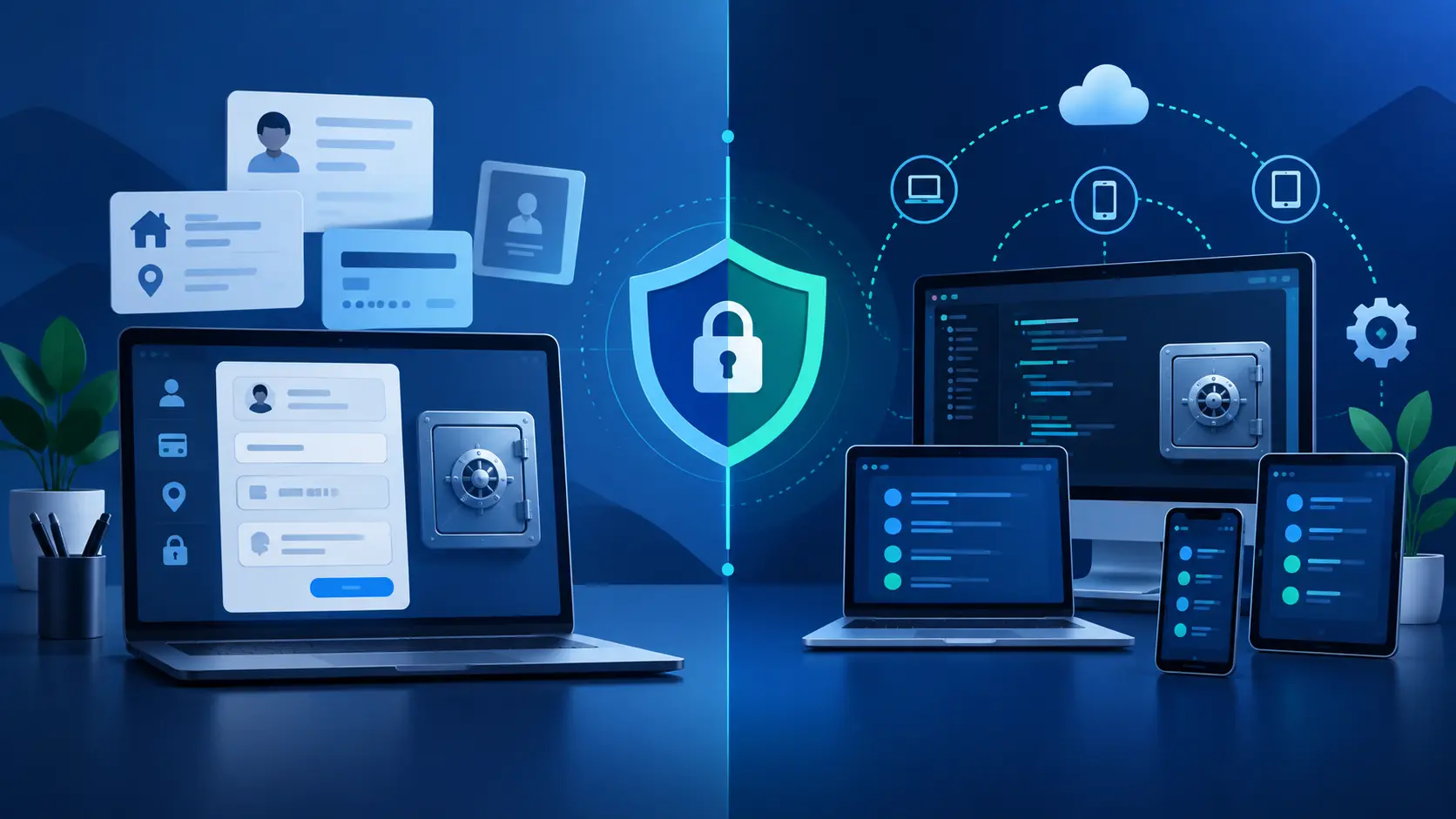
RoboForm vs Bitwarden at a glance
| Category | RoboForm | Bitwarden |
|---|---|---|
| Free plan | Unlimited passwords on one device | Unlimited passwords on unlimited devices |
| Best fit | Detailed identities and form filling | Free cross-device use and user control |
| Personal paid plan | Premium: $29.88/year at current standard US renewal pricing | Premium: $19.80/year at current USD annual pricing |
| Family plan | Five Premium accounts; currently $47.75/year at standard US renewal pricing | Six Premium accounts; currently $47.88/year |
| Open source | Not presented as an open-source password manager | Open-source clients and server code |
| Self-hosting | No comparable personal self-hosting option documented | Official self-hosting option |
| Passkeys | Supported on compatible platforms | Supported on compatible platforms |
| Integrated TOTP | Included in current personal plans | Premium feature; separate Bitwarden Authenticator app also exists |
| Emergency access | Eligible paid plans | Premium and Families |
Prices, promotions, taxes, and plan features change. The figures above reflect provider pages checked in September 2026; verify the total and renewal terms at checkout.
Free plans and paid value
Bitwarden wins the free-plan comparison for most multi-device users. Its core account includes unlimited passwords, unlimited devices, browser, mobile, and desktop apps, encrypted export, passkey management, and sharing with one other Bitwarden user. That is enough for many individuals without paying.
RoboForm Free also allows unlimited passwords, but only on one device. Its paid Premium plan expands access across devices and adds features such as cloud backup, web access, sharing, emergency access, and monitoring. The practical question is whether RoboForm’s form-filling workflow is valuable enough to justify paying when Bitwarden covers the cross-device basics for free.
Paid individual pricing currently favors Bitwarden: $19.80 annually versus RoboForm Premium’s $29.88 standard US annual renewal price. Family totals are nearly identical, while Bitwarden lists six accounts and RoboForm lists five. Do not compare only an introductory discount; check the full renewal amount and household seat count.
Security, transparency, and control
Both providers describe zero-knowledge vault designs. RoboForm documents AES-256 encryption, PBKDF2-SHA-256 key derivation, and encryption and decryption on the device. Bitwarden describes end-to-end, zero-knowledge encryption and publishes its clients and server code for public inspection.
Open source is not an automatic guarantee that software has no vulnerabilities, but it gives Bitwarden a transparency advantage. Bitwarden also supports official self-hosting for users or organizations prepared to maintain their own server. Self-hosting transfers operational responsibility to you; an unpatched or poorly backed-up server is not inherently safer than the hosted service.
Whichever vault you choose, use a unique master password, protect the account with strong 2FA, keep recovery information offline, update every device, and configure a sensible vault lock. No password manager can fully protect secrets displayed on an already compromised or unlocked device.
Autofill, passkeys, TOTP, and exports
RoboForm’s clearest advantage is form filling. Its identities are designed to store contact, address, payment, and other profile details used across longer web forms. Bitwarden stores identities and cards and supports autofill, but people who prioritize complex form completion may prefer RoboForm’s deeper workflow.
Both providers document passkey storage and use on supported devices and browsers. Both also offer password generation, secure notes, cards or identities, sharing, and health or audit features, although exact availability varies by plan.
RoboForm includes integrated TOTP in its current personal plan table. Bitwarden reserves integrated vault TOTP generation for Premium and Families, while its separate Bitwarden Authenticator app can keep codes outside the password vault. Keeping a password and its TOTP seed together is convenient, but a separate authenticator app preserves more factor separation.
Bitwarden also has the stronger documented export story. Its encrypted JSON options can preserve more vault data than a plaintext CSV. RoboForm’s documented CSV export covers Logins, Bookmarks, and Safenotes and should be treated as readable sensitive data.
How to switch between RoboForm and Bitwarden safely
Move from RoboForm to Bitwarden
- Keep RoboForm active and work on a trusted, updated computer.
- Export the RoboForm data needed for migration.
- In Bitwarden, choose the official RoboForm CSV import format.
- Verify representative logins, notes, folders, URLs, and shared items before changing browser autofill settings.
- Recreate anything that does not transfer, including passkeys or TOTP seeds when required.
- Delete every plaintext CSV copy, including downloads, cloud-sync folders, backups, and recycle bins.
Move from Bitwarden to RoboForm
Export only the format the destination supports, import it through RoboForm’s documented process, and keep the original Bitwarden vault until every critical login works. An encrypted Bitwarden JSON export is safer for storage but may need a different compatible process than a CSV migration. Never leave an unencrypted export in Downloads after testing.
Use our focused RoboForm export guide for the plaintext-file cleanup checklist.
Should you choose RoboForm or Bitwarden?
Choose Bitwarden if:
- You want unlimited free use across all your devices.
- Open-source software or self-hosting matters.
- You want encrypted export options.
- You need six family accounts rather than five.
- You want the lower current individual Premium price.
Official non-affiliate Bitwarden page.
Choose RoboForm if:
- Detailed identity and form filling are your priority.
- You prefer RoboForm’s interface and established workflow.
- A one-device free plan is enough, or the paid plan fits your devices.
- You want integrated TOTP without moving to a higher personal tier.
Affiliate link. We may earn a commission at no additional cost to you. Verify current checkout and renewal terms.
For more context, read our RoboForm review, RoboForm security analysis, pricing guide, and passkey guide. You can also compare the broader field in best password managers.
RoboForm vs Bitwarden FAQ
Select a question to open or close its answer.
Is Bitwarden better than RoboForm?
Bitwarden is the stronger documented value for unlimited free cross-device use, open-source software, encrypted exports, self-hosting, and six-person family coverage. RoboForm may be better when detailed identity and form filling are the priority.
Which has the better free plan?
Bitwarden has the broader free plan because it allows unlimited passwords on unlimited devices. RoboForm Free allows unlimited passwords on one device.
Is RoboForm cheaper than Bitwarden?
No for the current individual paid plans: RoboForm Premium’s standard US renewal price is $29.88 per year, while Bitwarden Premium is $19.80 per year. Their current family-plan totals are close, but Bitwarden includes six accounts and RoboForm five.
Do RoboForm and Bitwarden support passkeys?
Yes. Both providers document passkey storage and use on supported devices and browsers.
Can Bitwarden import RoboForm passwords?
Yes. Bitwarden officially supports RoboForm CSV imports. Imports create new items and can create duplicates, and the exported CSV is sensitive plaintext that should be deleted after verification.
Is the RoboForm link an affiliate link?
Yes. Instant2FA may earn a commission through RoboForm links on this page at no additional cost to you. Bitwarden links are non-affiliate.
Sources and further reading
- RoboForm personal plans
- RoboForm security
- RoboForm export documentation
- Bitwarden plans and pricing
- Bitwarden password-manager plans
- Bitwarden import FAQs
- Bitwarden encrypted exports
- Bitwarden security white paper
- Bitwarden Authenticator
Features, prices, and platform support change. Verify current provider documentation before migrating or purchasing.