
This RoboForm review examines the password manager’s documented security, form filling, passkeys, built-in authenticator, plans, and device support. RoboForm is particularly appealing to people who want a password vault and detailed form filling in one product, but Free and paid plans have important differences.
Want to check the current offer? Compare RoboForm’s live Free, Premium, and Family terms before deciding.
Affiliate link. We may earn a commission at no additional cost to you.
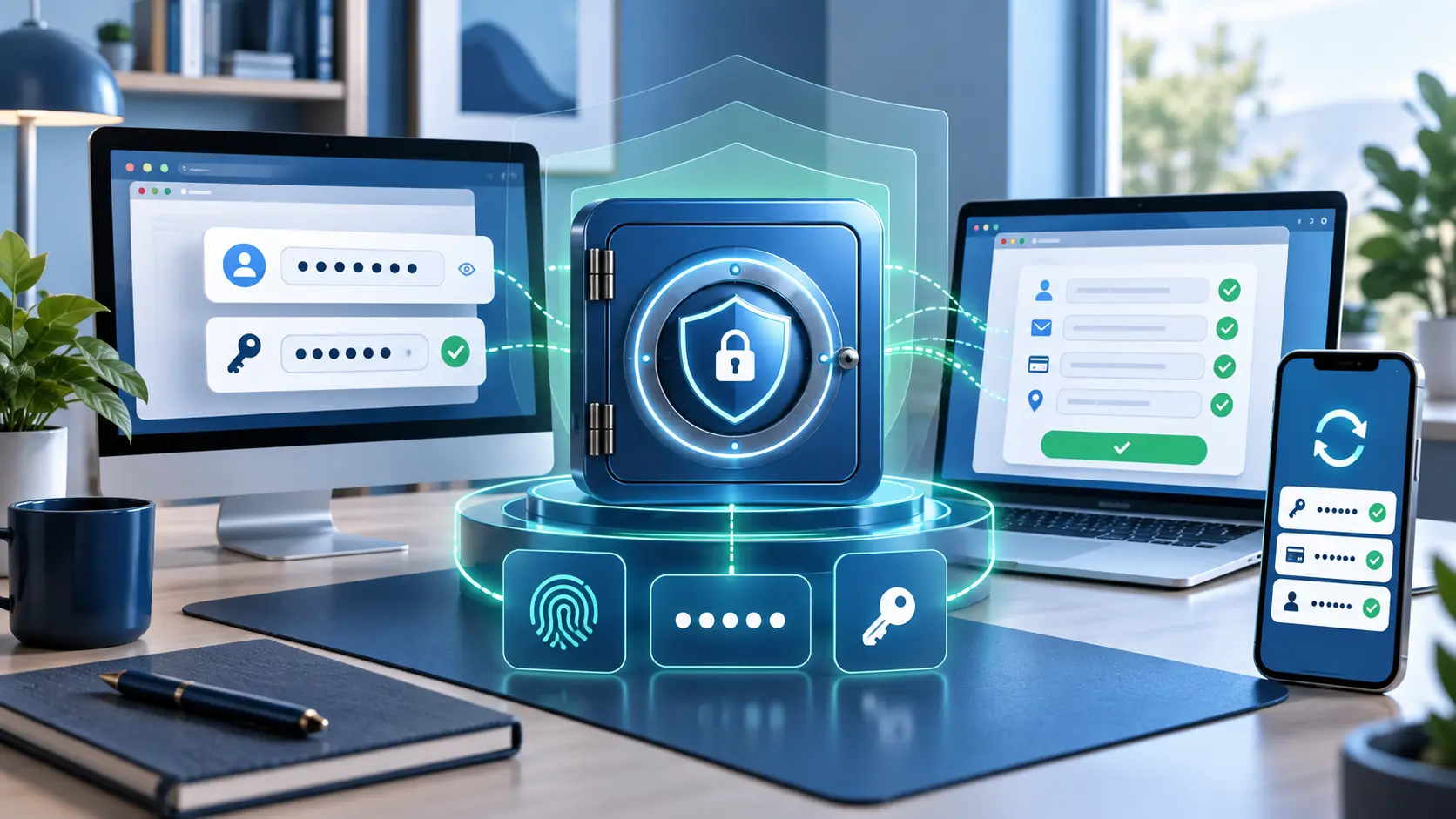
What is RoboForm?
RoboForm is a password and passkey manager made by Siber Systems. First released in 2000, it stores credentials and other vault items, generates passwords, logs users into websites, and fills online forms. Its personal offering now includes Free, Premium, and Family plans.
RoboForm’s clearest distinction is form filling. In addition to usernames and passwords, it can store identity information used to complete address, contact, and checkout fields. That convenience makes protection of the vault and its recovery methods especially important.
Is RoboForm safe?
RoboForm documents a zero-knowledge design in which vault decryption occurs on the user’s device. Its security documentation says vault data is encrypted with AES-256 and that PBKDF2 with SHA-256 and a random salt is used in deriving encryption keys from the Master Password.
Its account-security options include authenticator apps, passkeys, trusted devices, and compatible hardware security keys, as well as email and SMS. RoboForm also documents password auditing and breach alerts. These controls are useful, but no password manager eliminates risks from an unlocked compromised device, malicious extension, weak Master Password, or unsafe recovery setup.
RoboForm password manager features
- Password generation and storage: creates unique passwords and stores unlimited passwords under current personal plans.
- Form filling: fills login, identity, address, and other saved web-form data.
- Passkey management: saves and uses passkeys on supported websites and platforms.
- Password audit: identifies weak, duplicate, or compromised credentials.
- Built-in TOTP authenticator: stores and generates time-based verification codes.
- Import and export: supports moving credentials from browsers and other password managers.
- Sharing and emergency access: available with eligible paid plans.
- Local-only mode: documented for eligible paid use on supported desktop platforms.
RoboForm passkeys, 2FA, and authenticator
RoboForm can store passkeys so they are usable across devices where RoboForm is supported. It also documents Passwordless Unlock, which uses a passkey approved with a face, fingerprint, or device PIN to unlock RoboForm on supported platforms.
The built-in RoboForm authenticator can hold TOTP verification codes and can import codes from Google Authenticator on supported devices. This is convenient, but storing a site password and its TOTP code in the same vault reduces separation if that vault is fully compromised. RoboForm’s own guidance recommends keeping a 2FA passkey outside RoboForm when you want stronger separation and redundant access.
Read our focused RoboForm passkeys setup, sync, and recovery guide. You can also learn what passkeys are, compare separate authenticator apps, review how two-factor authentication works, or compare password managers for Android before choosing your setup.
RoboForm download, apps, and browser extensions
RoboForm documents support for Windows, macOS, Android, iOS, Linux, and ChromeOS, with extensions for major desktop browsers. Platform features can differ: for example, passkeys require compatible operating systems and browsers, while local-only mode is tied to supported desktop use.
Begin any RoboForm download from the official provider site or a verified app store. Confirm the publisher before installing an extension, and avoid similarly named downloads promoted through search ads.
RoboForm pricing: Free, Premium, and Family
| Plan | Best fit | Current documented structure |
|---|---|---|
| Free | One person using one primary device | Unlimited passwords on one device, form filling, passkeys, password audit, and built-in TOTP |
| Premium | One person using multiple devices | All-device access plus cloud backup, sharing, emergency access, web access, and expanded monitoring and support |
| Family | Households needing separate accounts | Five distinct Premium accounts under one subscription |
RoboForm pricing can include introductory discounts, annual billing, and a different renewal amount. Rather than freezing a temporary promotion into this review, compare the initial total, regular renewal price, refund period, and included features on the current checkout page.
Affiliate link. We may earn a commission at no additional cost to you. Confirm the current plan, total charge, renewal terms, and refund conditions before purchasing.
Who should choose RoboForm?
RoboForm is a good fit if:
- You frequently complete detailed forms as well as login fields.
- You want passwords, passkeys, and optional TOTP codes in one product.
- You need secure sharing or emergency access through a paid plan.
- You want a one-device Free plan before considering an upgrade.
Consider another option if:
- You need free synchronization across multiple devices.
- You prefer to keep every second factor outside your password vault.
- You require open-source clients or self-hosting.
- You have not compared export, recovery, renewal, and device-support details with alternatives.
See our RoboForm pricing guide for current Free, Premium, Family, and Business renewal costs, follow the safety checklist to export RoboForm passwords, or use the best password managers comparison to compare alternatives.
Choosing between specific services? Read Proton Pass vs RoboForm, RoboForm vs Google Password Manager, RoboForm vs Bitwarden, RoboForm vs Norton Password Manager, RoboForm vs LastPass, RoboForm vs 1Password, or RoboForm vs Dashlane.
RoboForm review FAQ
Select a question to open or close its answer.
Is RoboForm free?
RoboForm offers a Free plan with unlimited passwords on one device. Premium expands access across devices and adds paid features such as sharing and emergency access.
Is RoboForm safe?
RoboForm documents zero-knowledge architecture, local vault decryption, AES-256 encryption, PBKDF2-SHA-256 key derivation, account 2FA options, and password-breach alerts. Safe use still depends on a strong Master Password, protected devices, updates, and tested recovery.
Does RoboForm support passkeys?
Yes. RoboForm documents passkey storage and use through supported desktop apps, standalone browser extensions, and mobile apps. Mobile requirements currently include iOS 17 or Android 14 or later.
Does RoboForm include an authenticator?
Yes. Current personal plans document an integrated TOTP authenticator. Keeping a password and code together improves convenience but reduces factor separation if the vault is compromised.
Can RoboForm fill online forms?
Yes. Form filling is a core RoboForm feature and includes more than passwords, such as saved identity and address details used in compatible web forms.
Is this a hands-on RoboForm review?
No. This is an independent editorial review of current RoboForm product, pricing, help-center, and security documentation. Instant2FA may earn a commission through the RoboForm link, but does not claim testing it did not perform.
Sources and further reading
- RoboForm personal plans and pricing
- RoboForm security documentation
- RoboForm Premium features
- RoboForm passkey support
- RoboForm 2FA and security-key guidance
- About RoboForm and Siber Systems
Features, prices, promotions, and plan limits change. Verify the provider’s current documentation and checkout terms before subscribing.